Chromefree, the full version is 299 ₽
Competitors' sales right on GGSel, Plati and FunPay
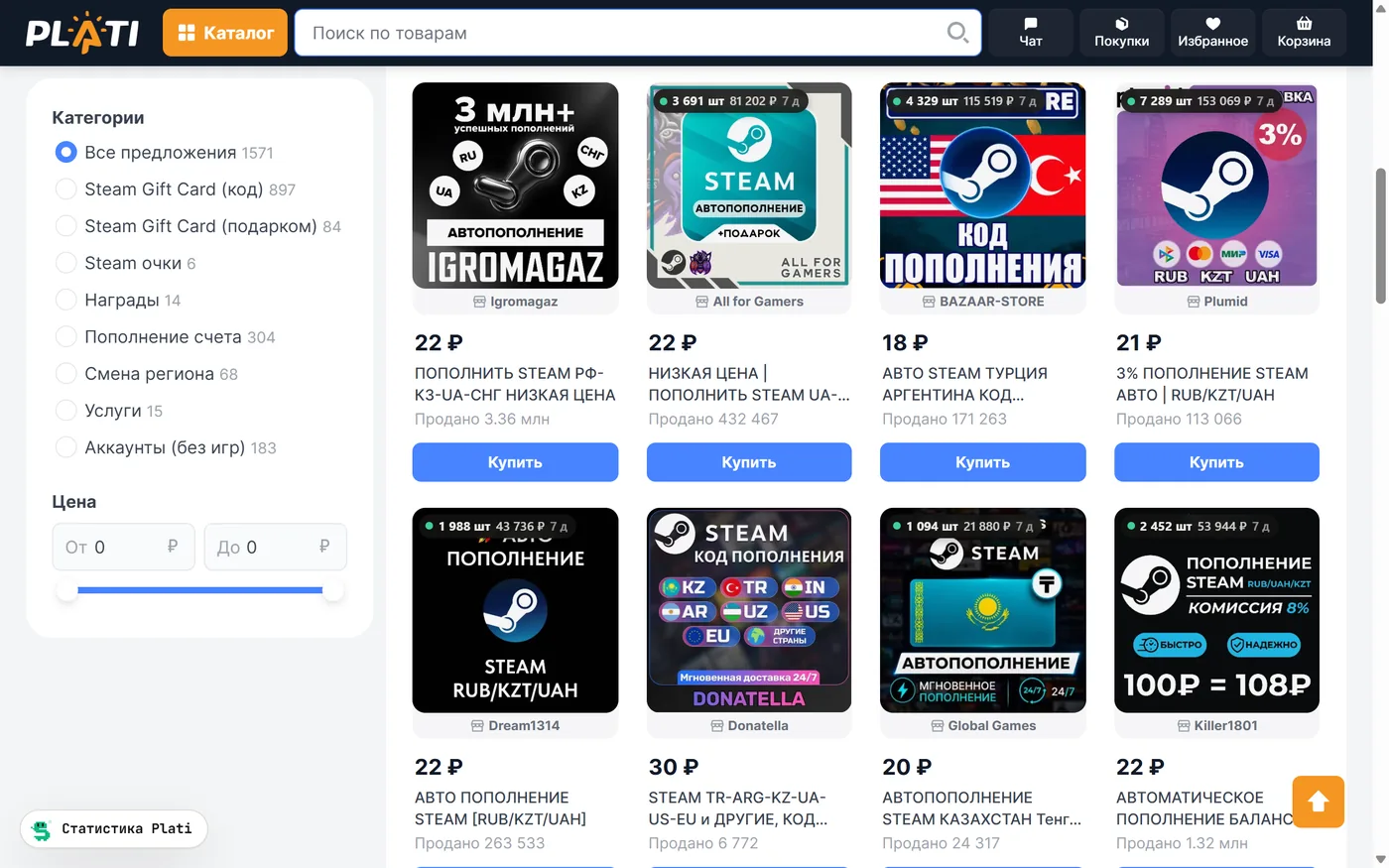
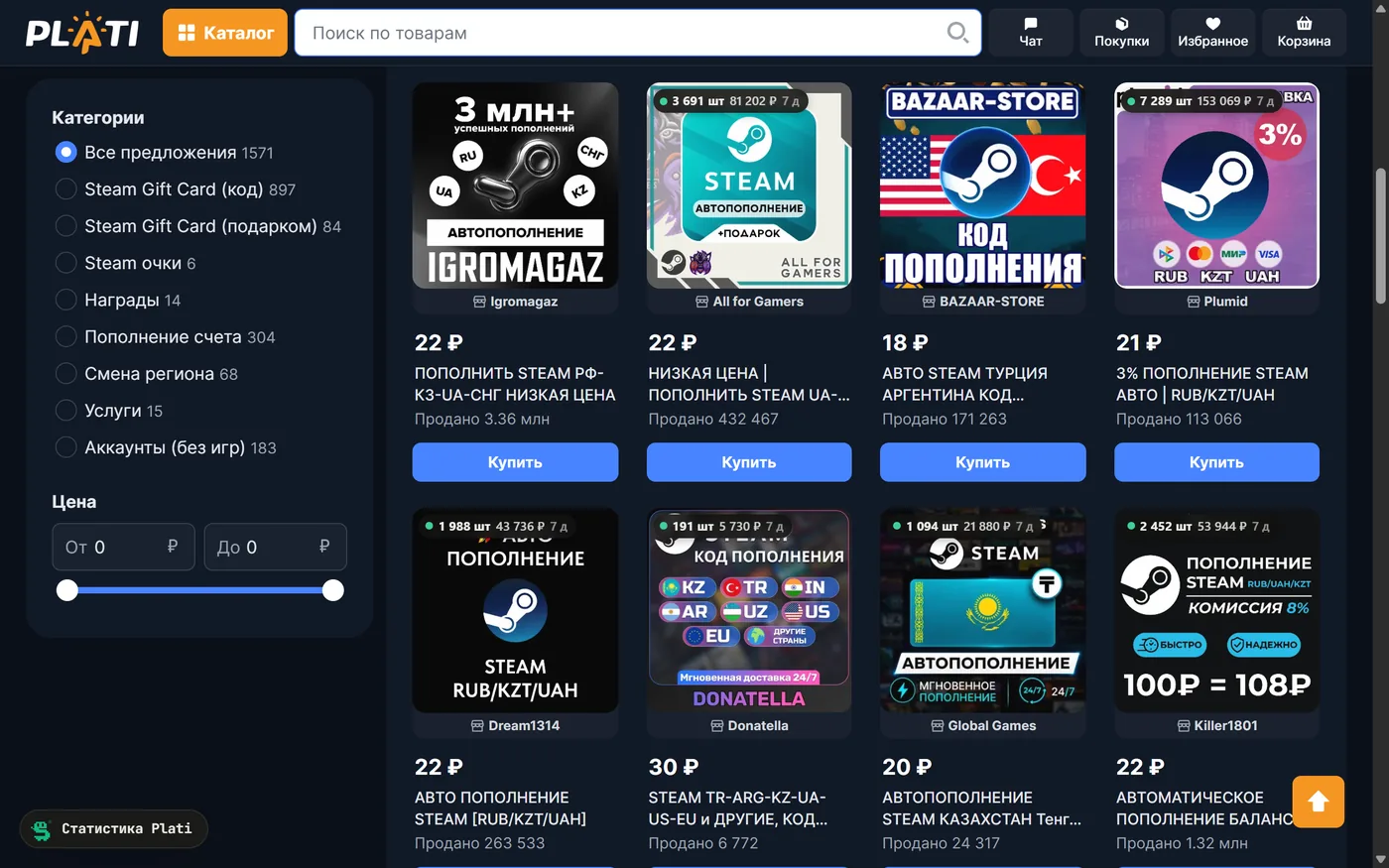
The Sellerist extension shows the figures where you already look: in the marketplace catalog every listing shows how many were bought in a week, and on a listing page you see sales by day, its share in the category and how the price changed.
SelyaThe extension installs from the Chrome Web Store for free and shows sales on GGSel and Plati cards at once. With a key for 299 ₽ a month you get 90 days of history and the full lists.
Installs from the Chrome store into Chrome, Yandex Browser, Edge and Opera. Without the store: as an archive, following the instructions below. The market statistics page is in Russian for now.
What it looks like
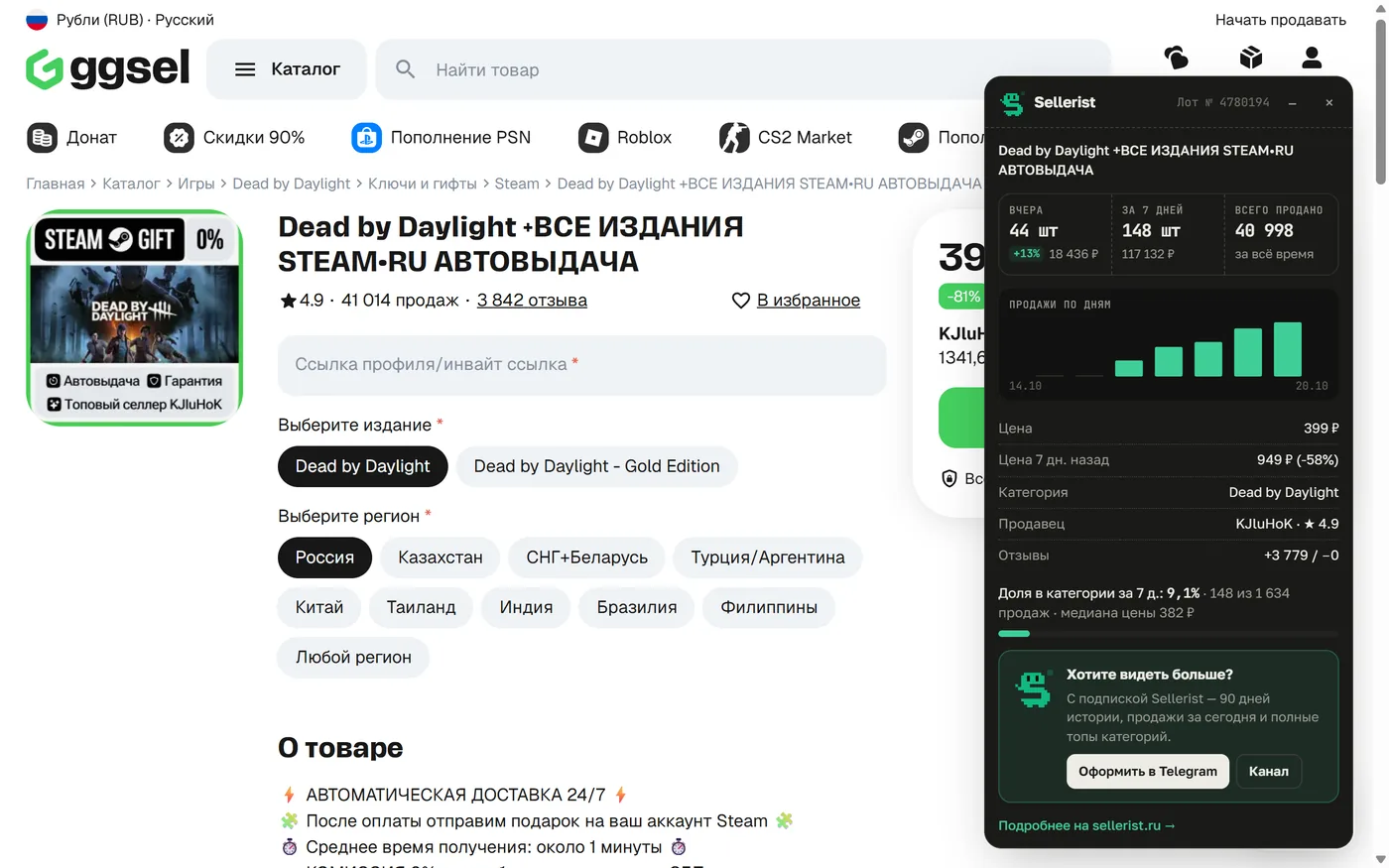
The screenshots are taken with the real extension on live marketplace pages. The extension's light and dark themes follow your system setting. The marketplaces' own pages are shown in Russian, as they are for their local users.
GGSel
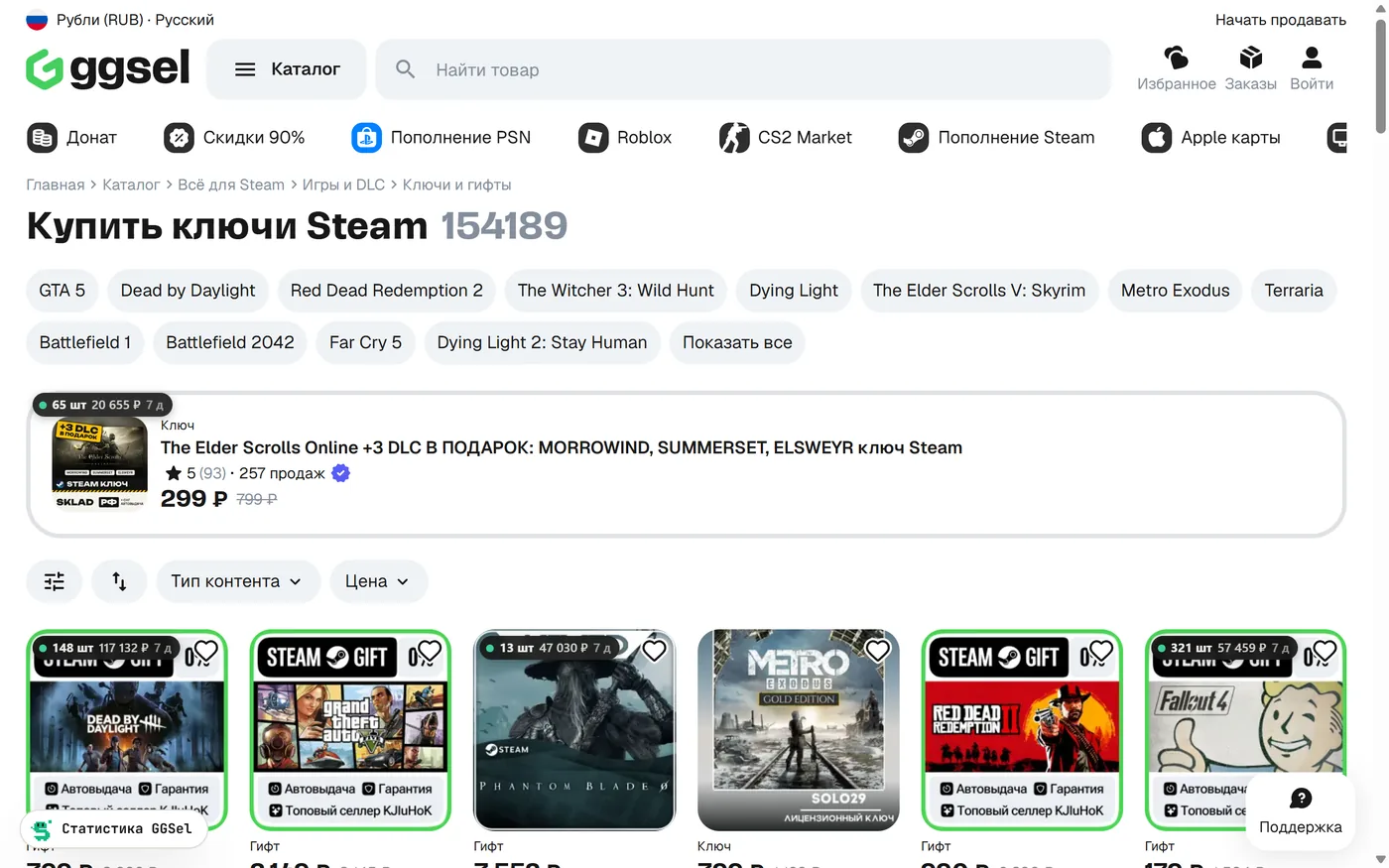
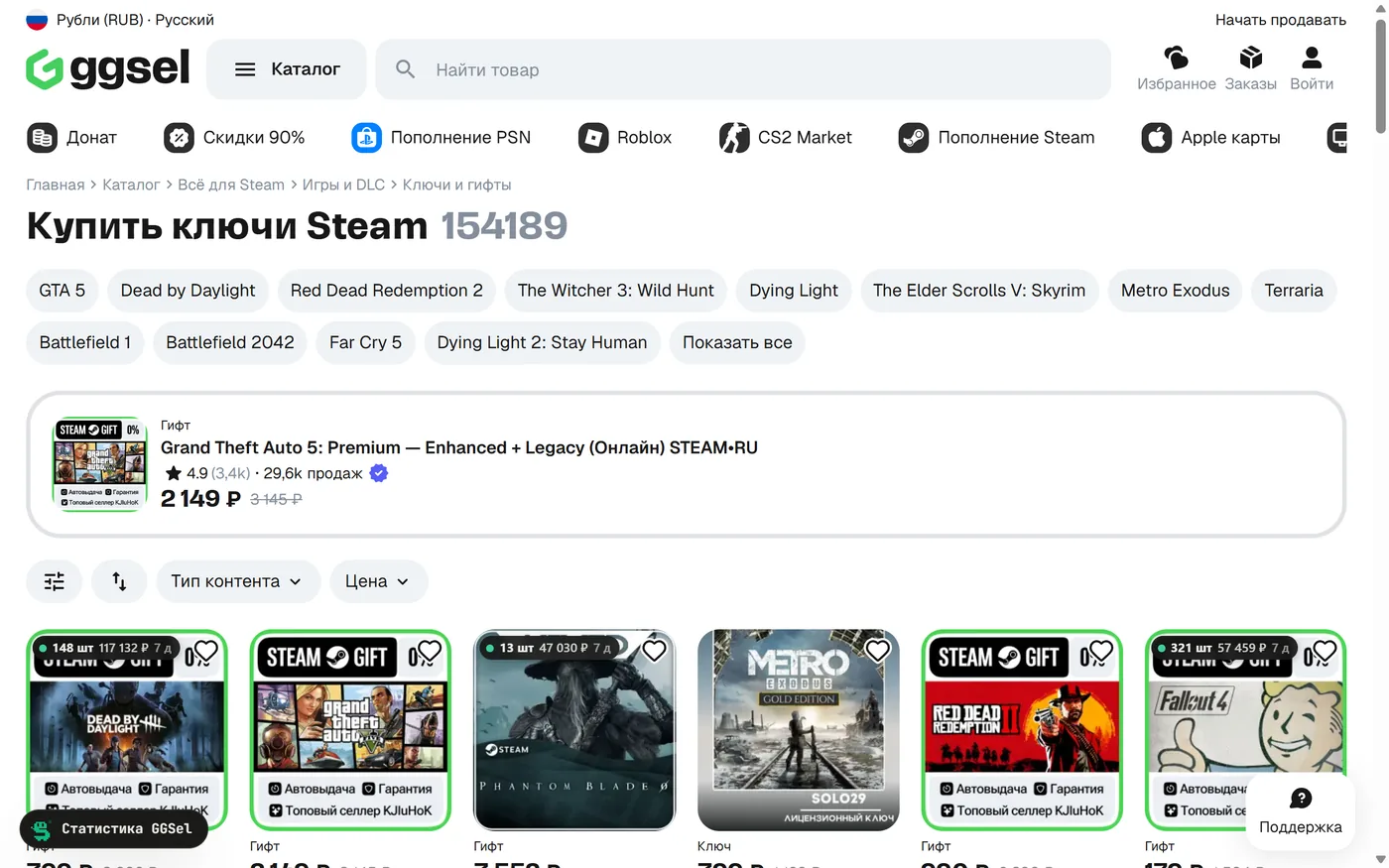
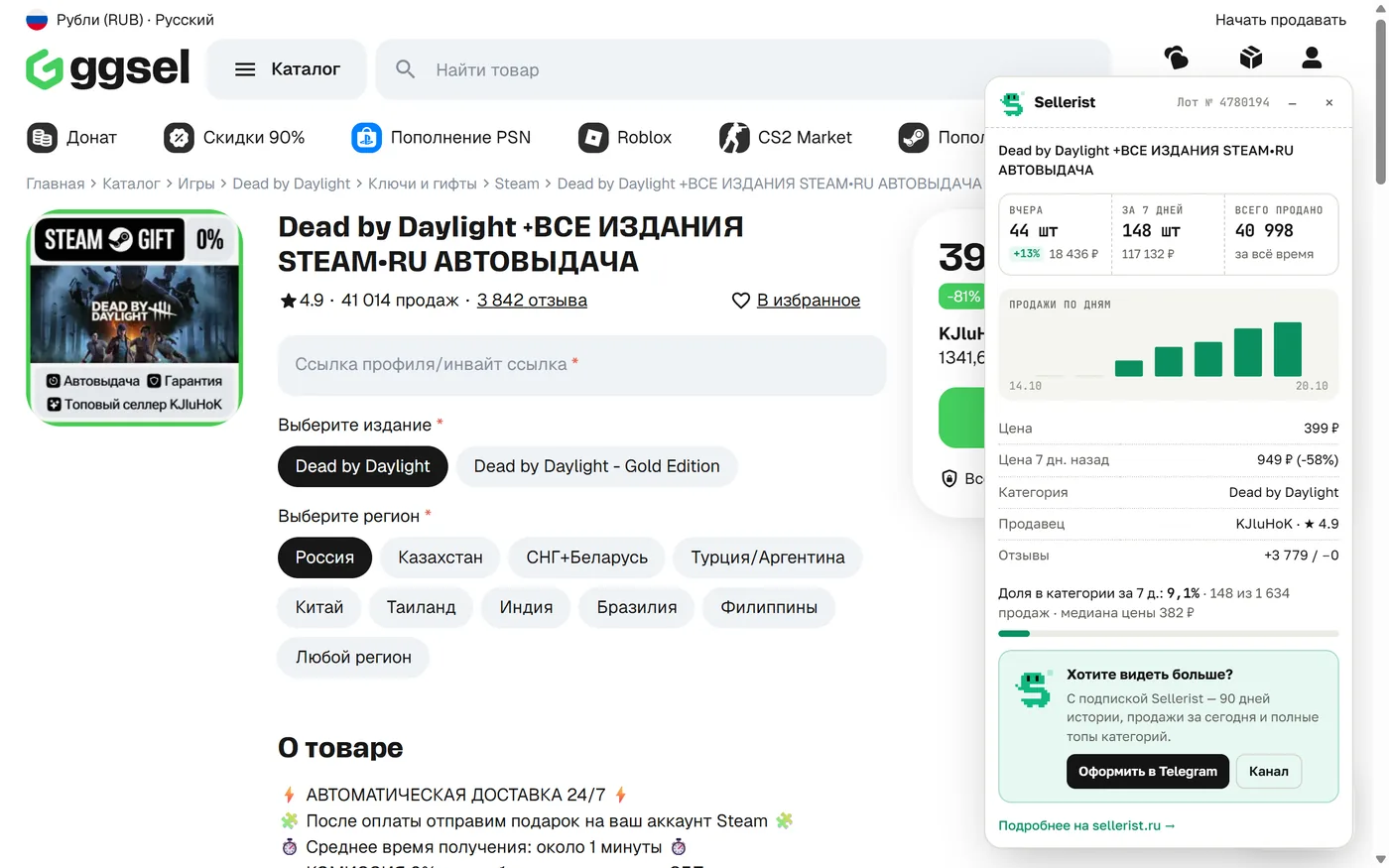
In the catalog every card carries a badge: how many pieces of the listing were bought over the period and for what sum. On a listing page there is a panel on the right: sales yesterday and over 7 days with the change, a chart by day, the price now and a week ago, the listing's share in the category and the median price.
Plati
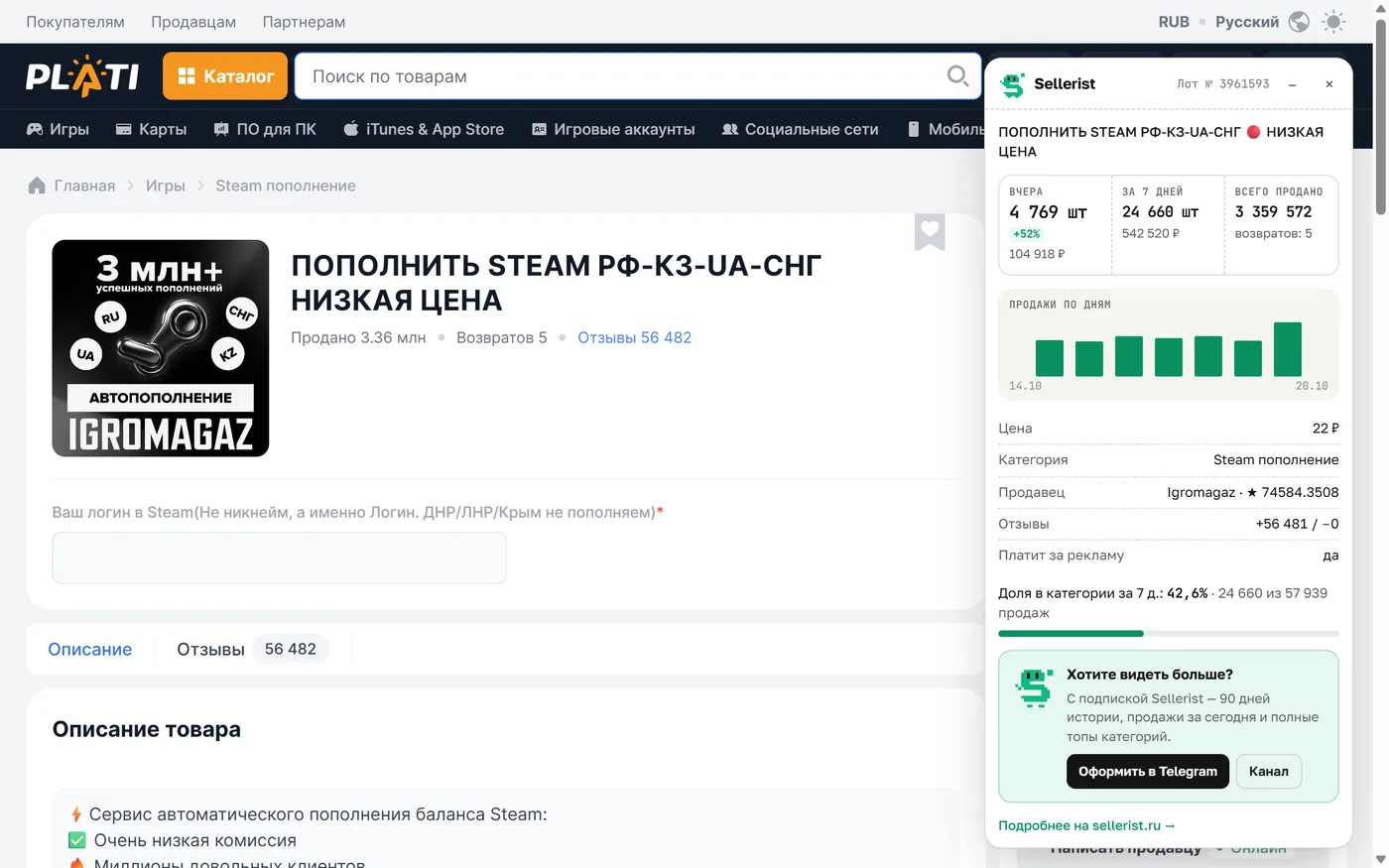
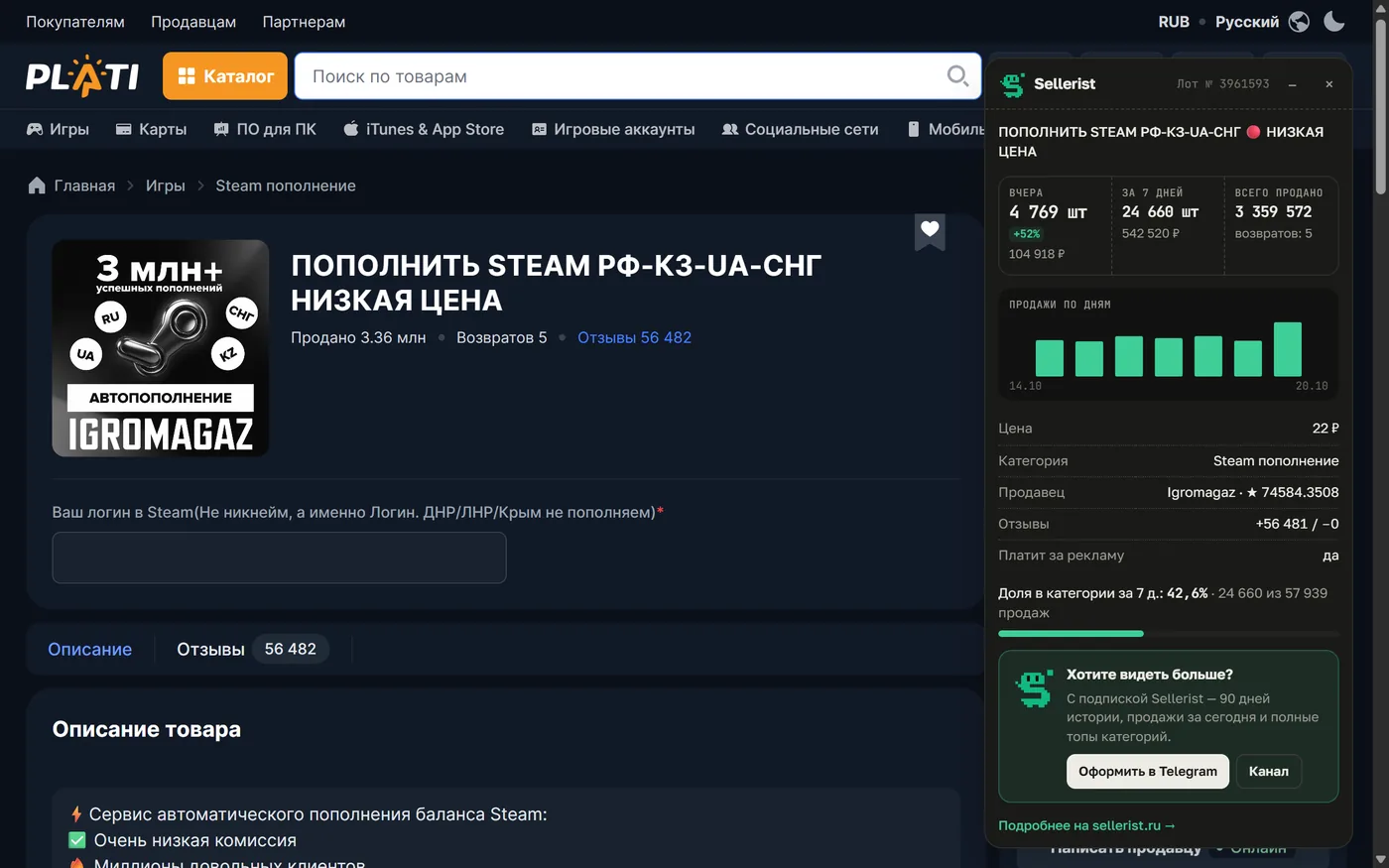
The same as on GGSel, plus what only Plati has: refunds, the seller's reviews and a mark showing whether the seller pays for advertising.
FunPay
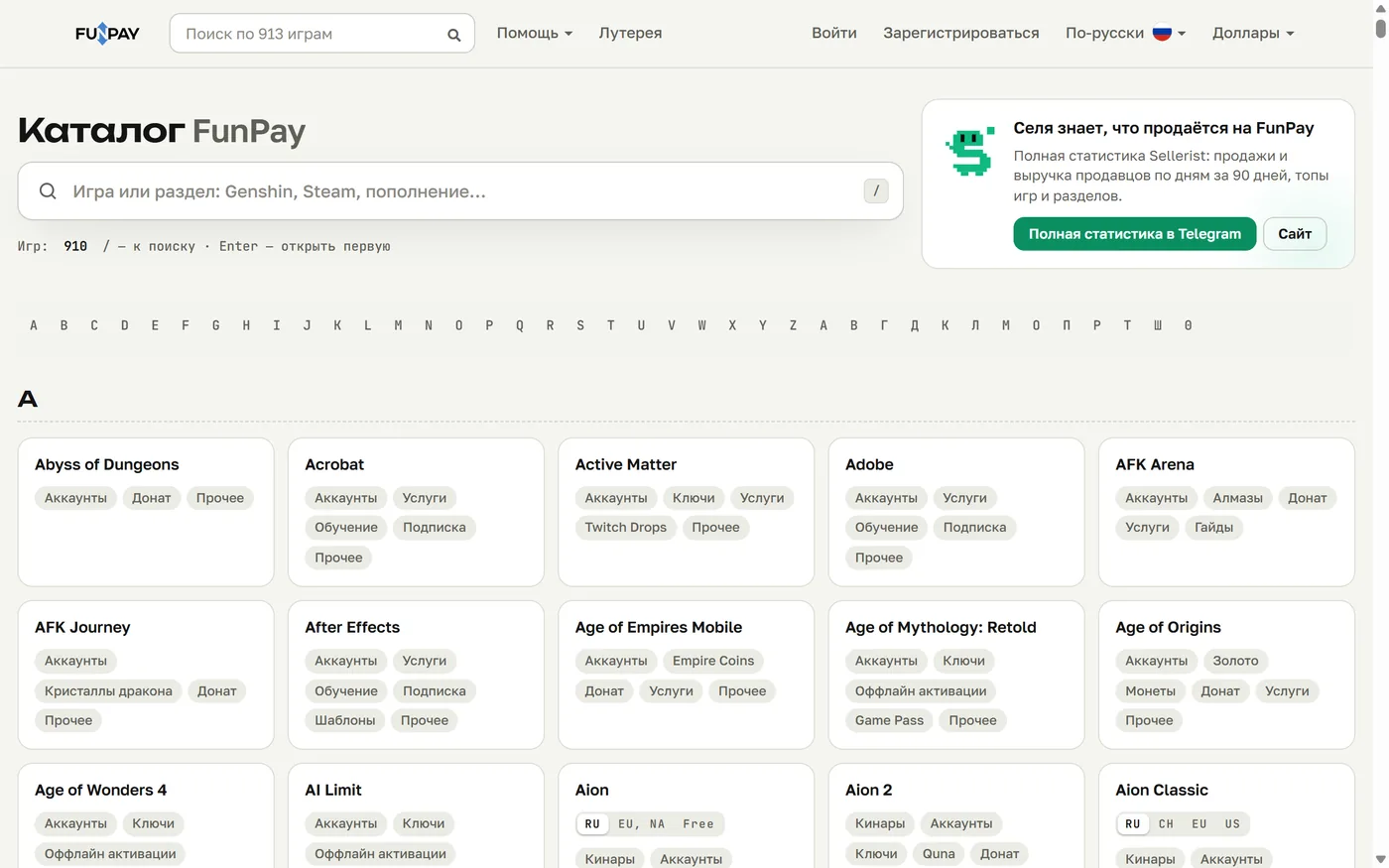
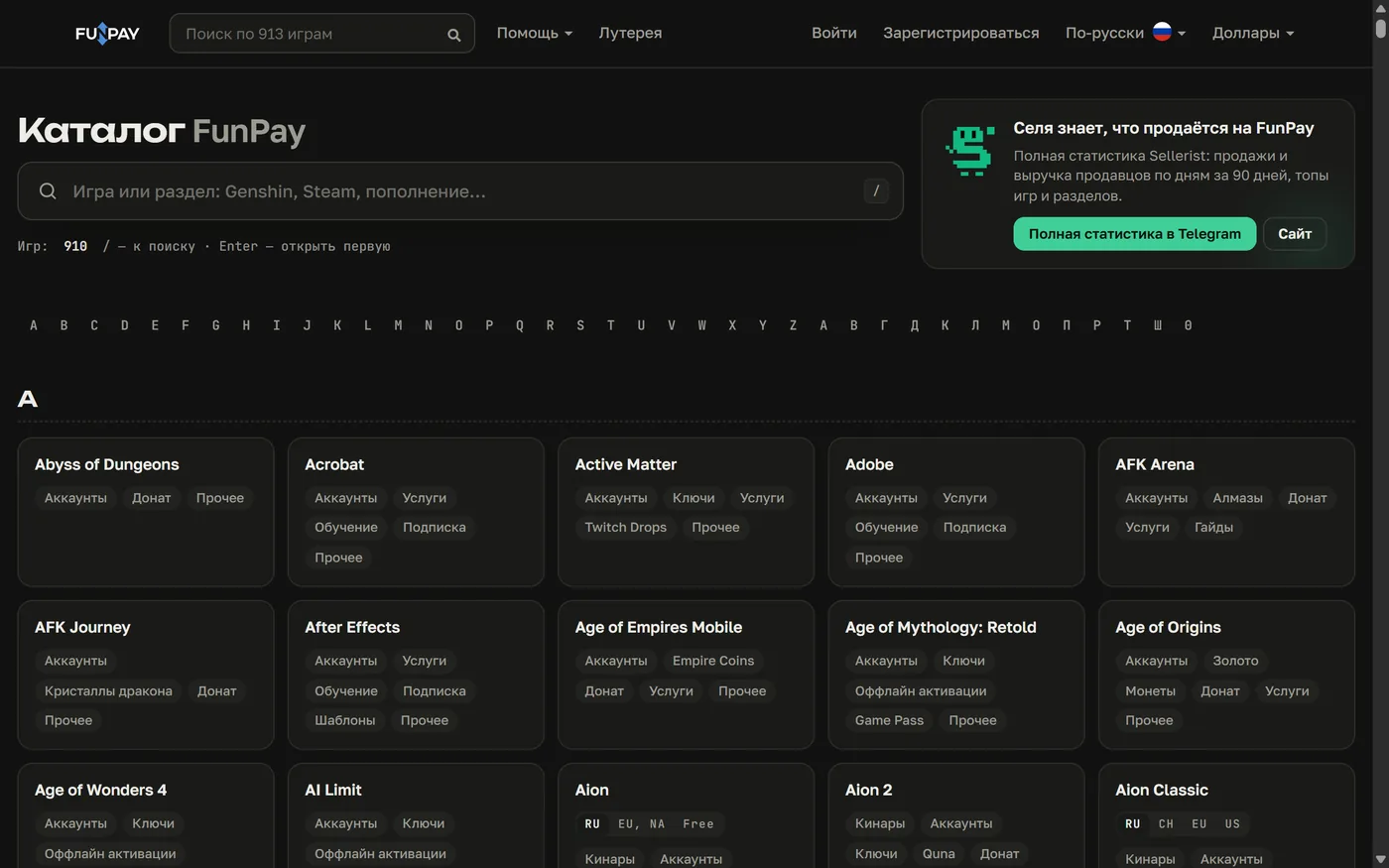
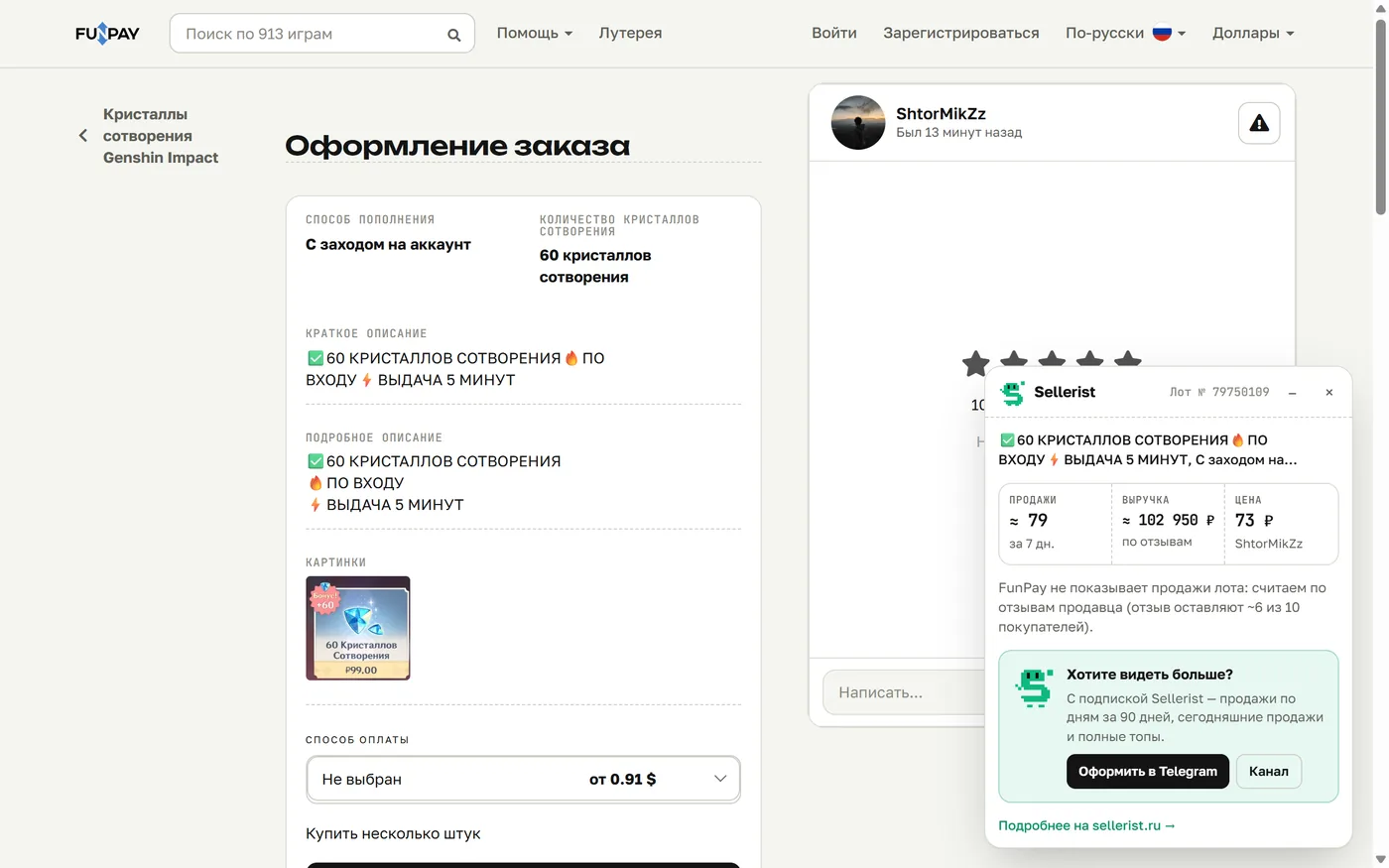
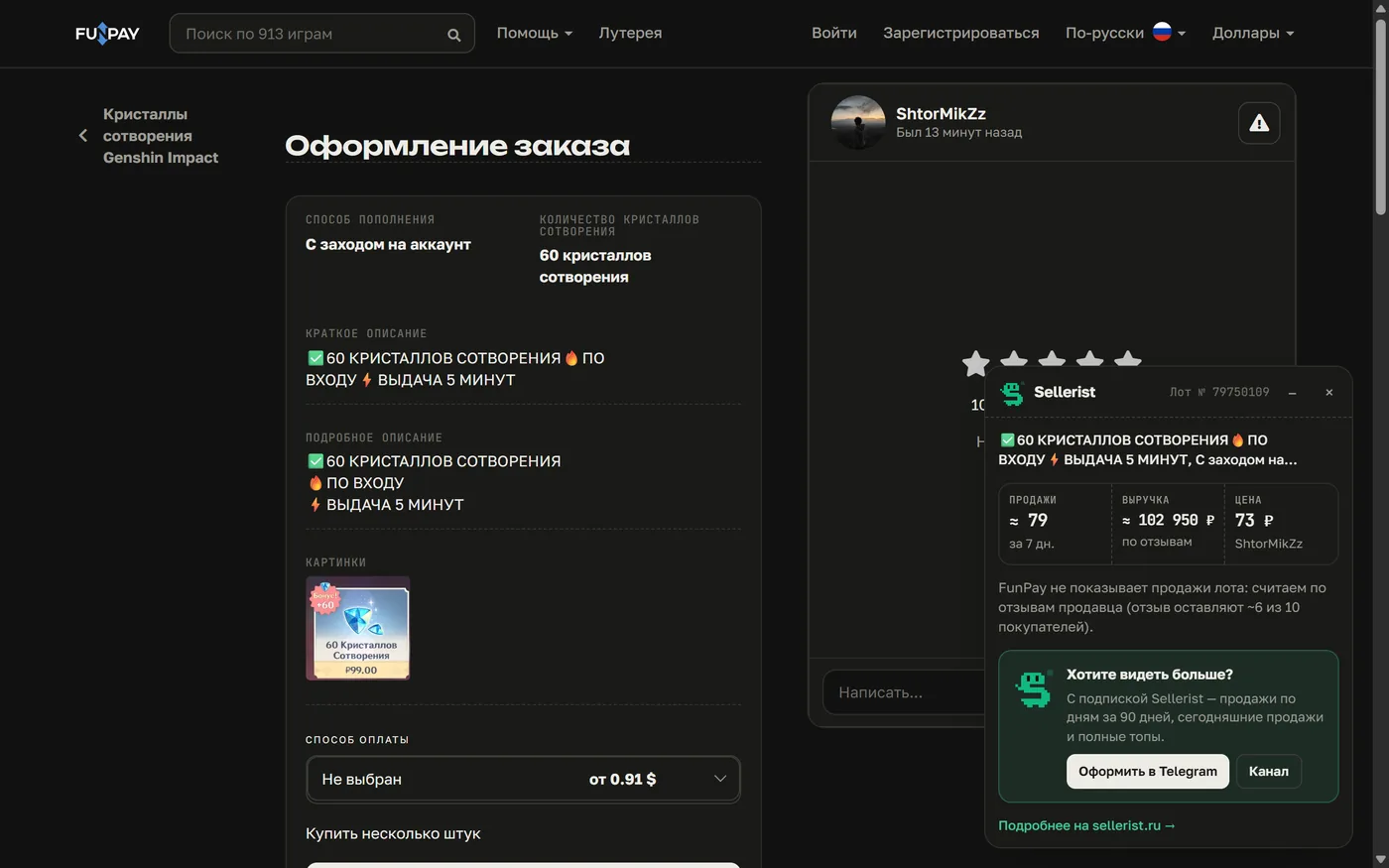
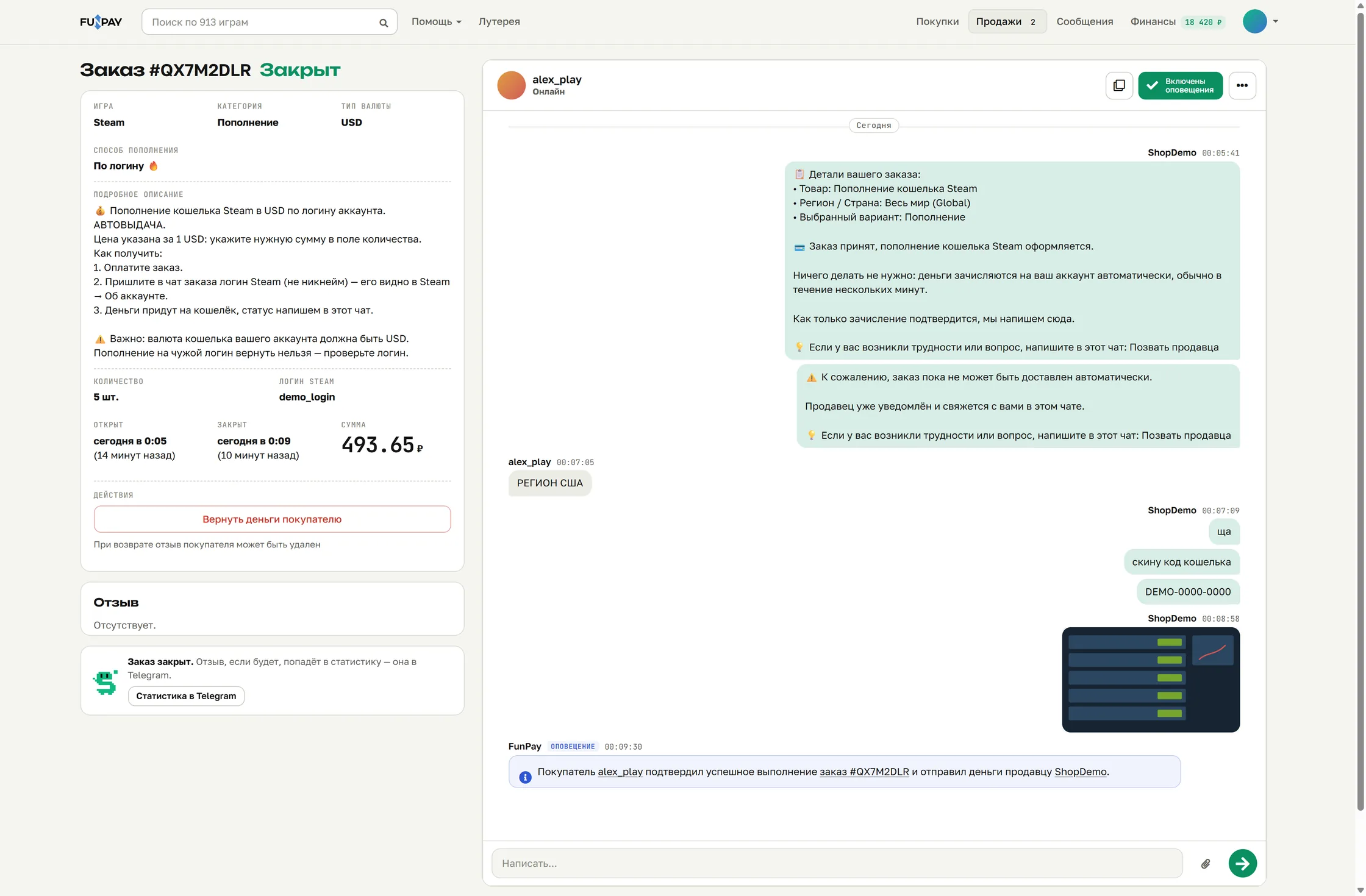
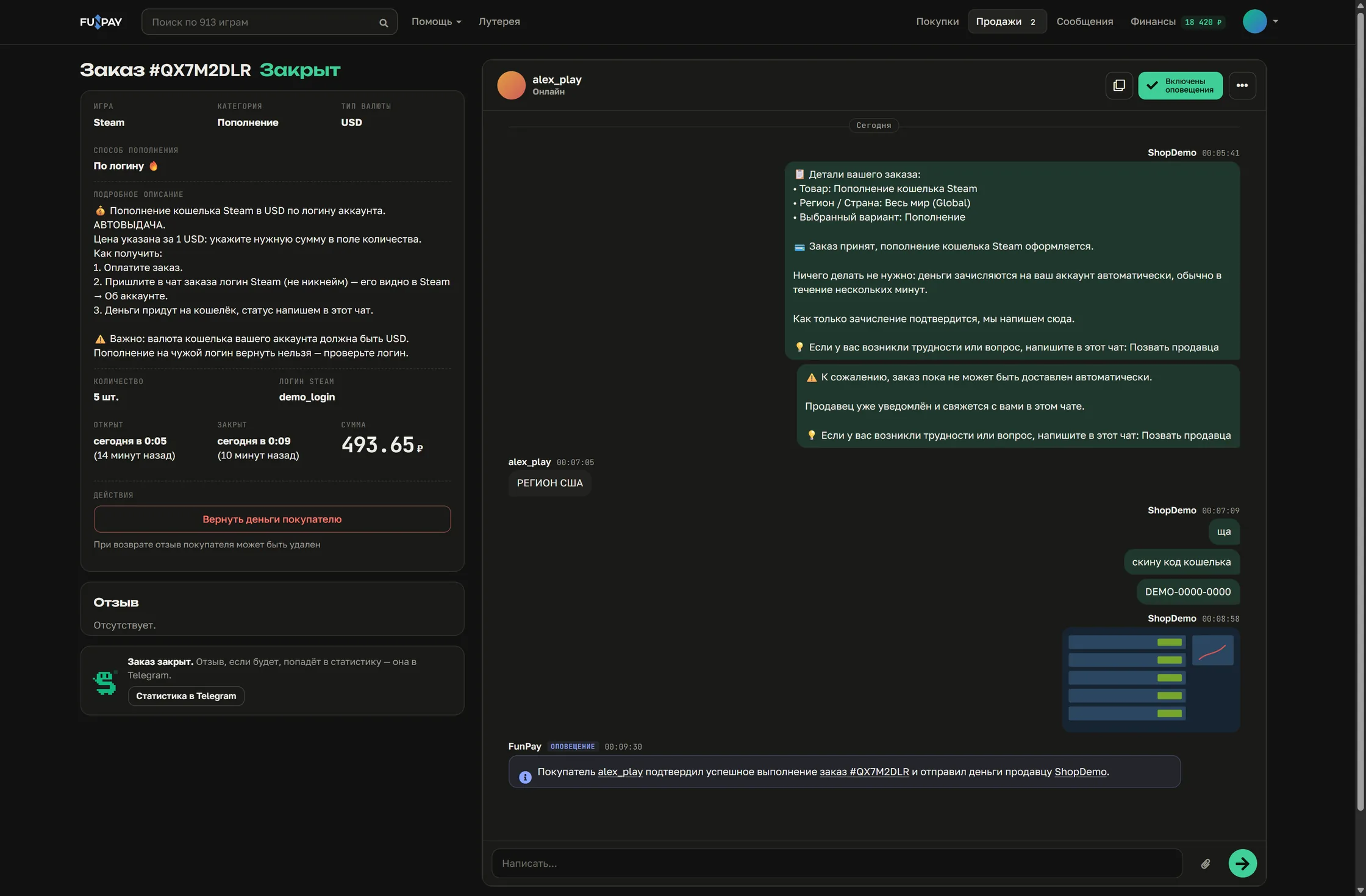
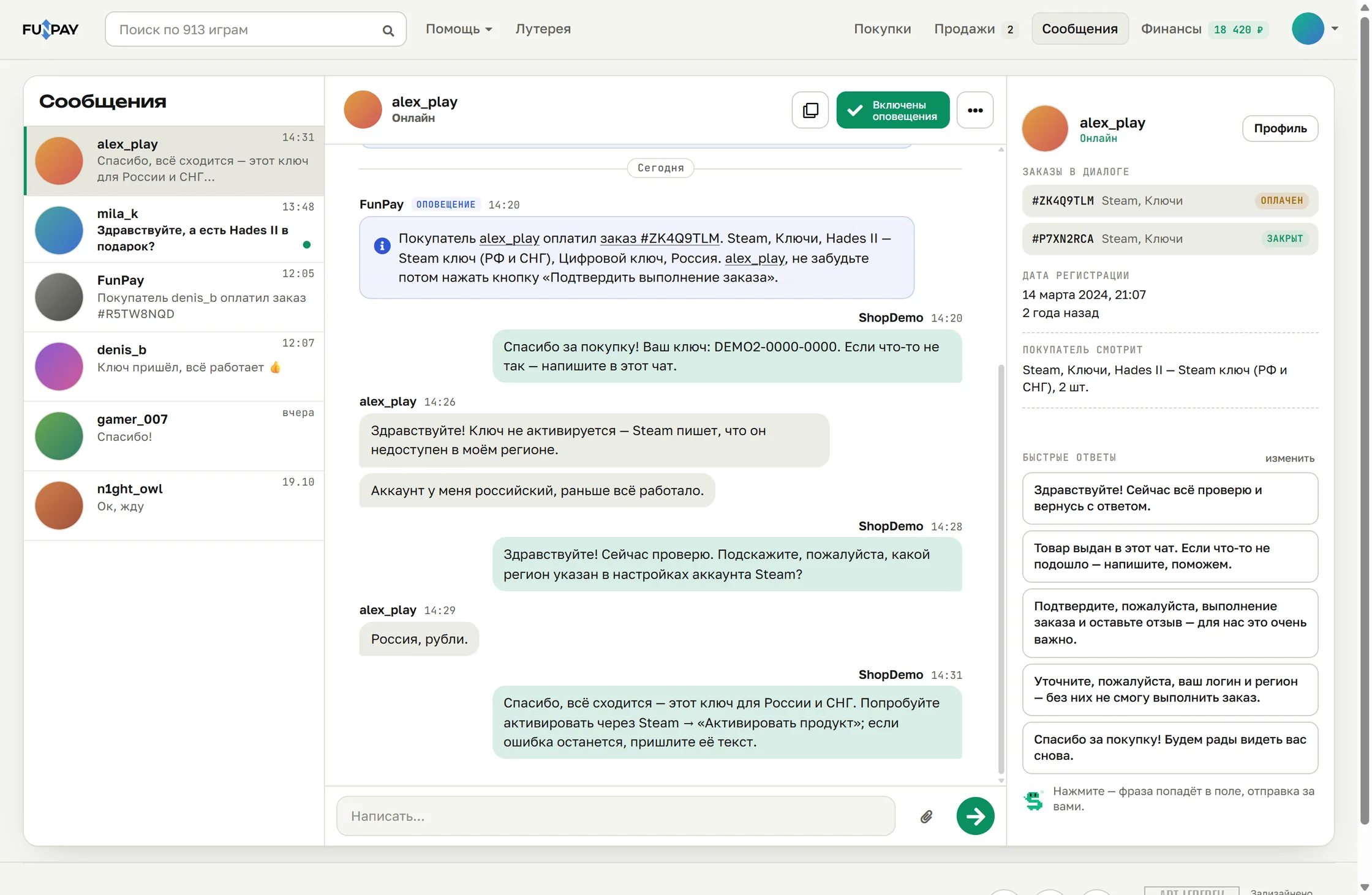
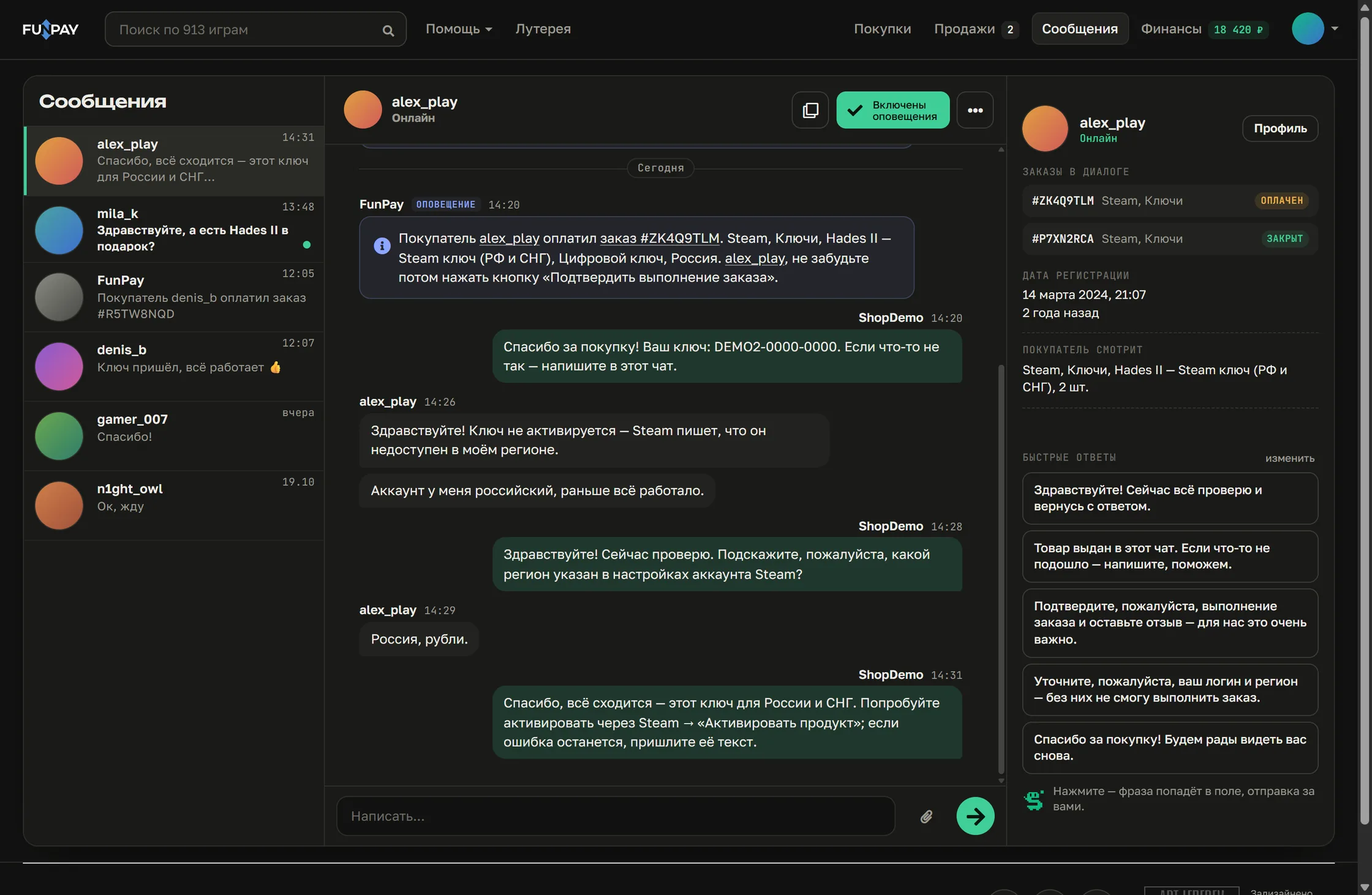
FunPay does not show how many times a listing was bought, so on a listing page the extension estimates the seller's sales and revenue from their reviews. Besides the figures there is the “Sellerist theme”: a catalog with quick search by games and sections and, for sellers, redesigned order and message screens. You can switch the theme off in the extension window.
The extension window
It opens from the Sellerist icon next to the address bar.
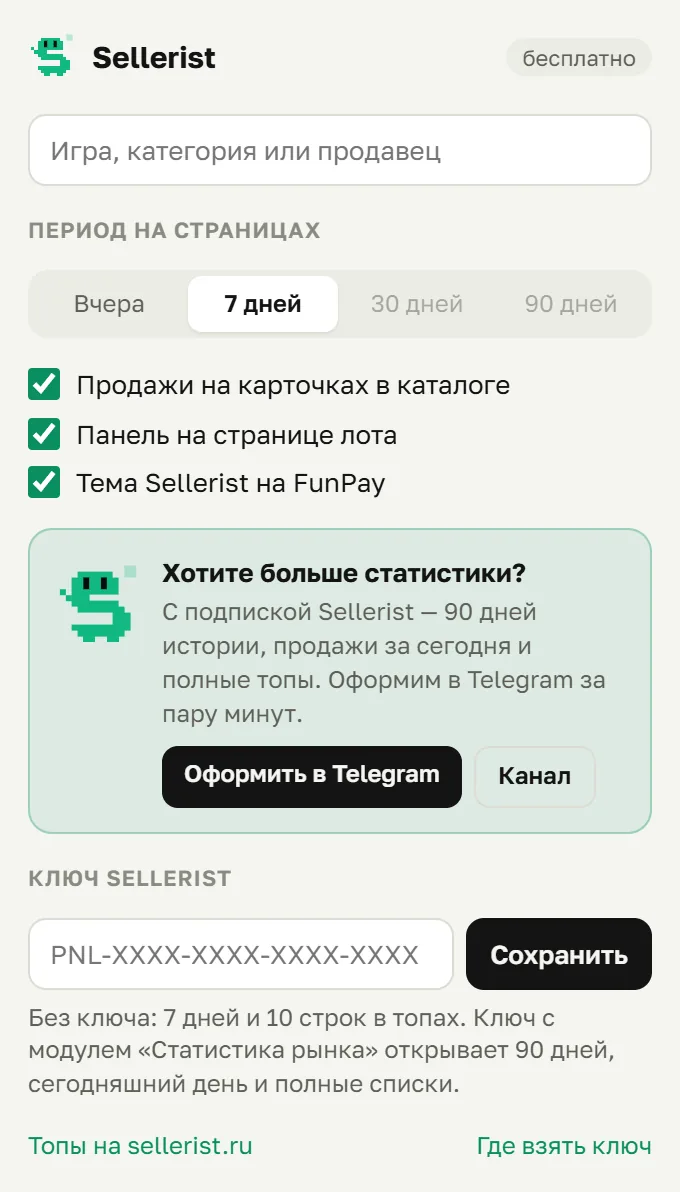
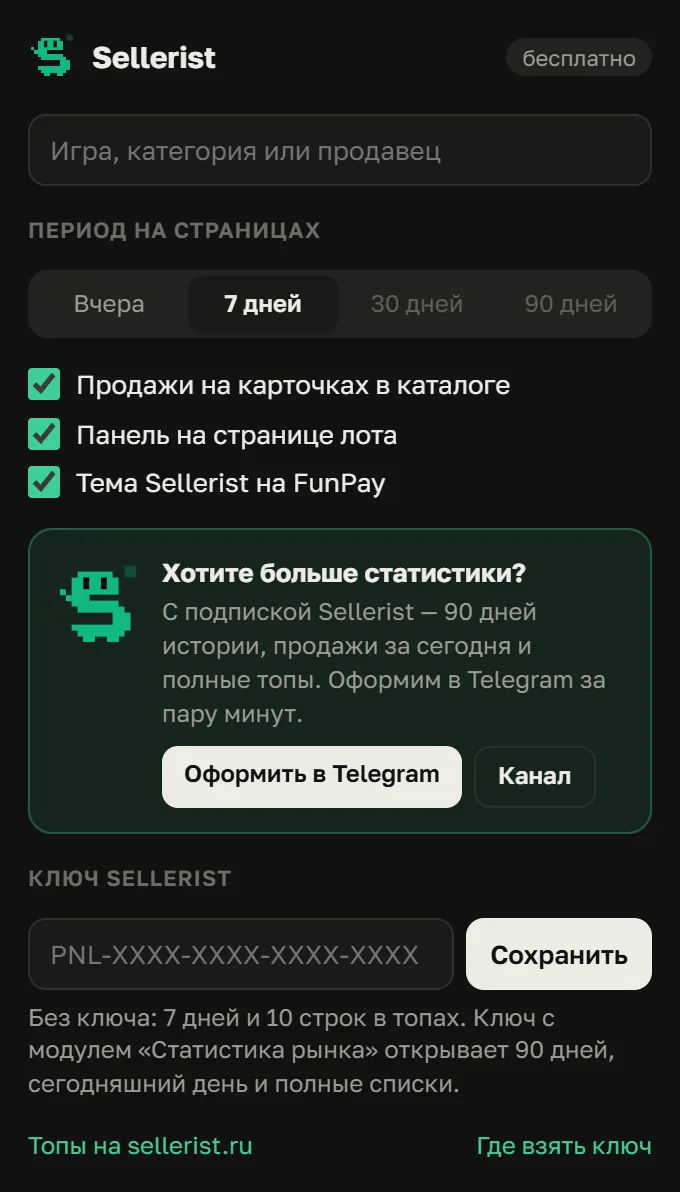
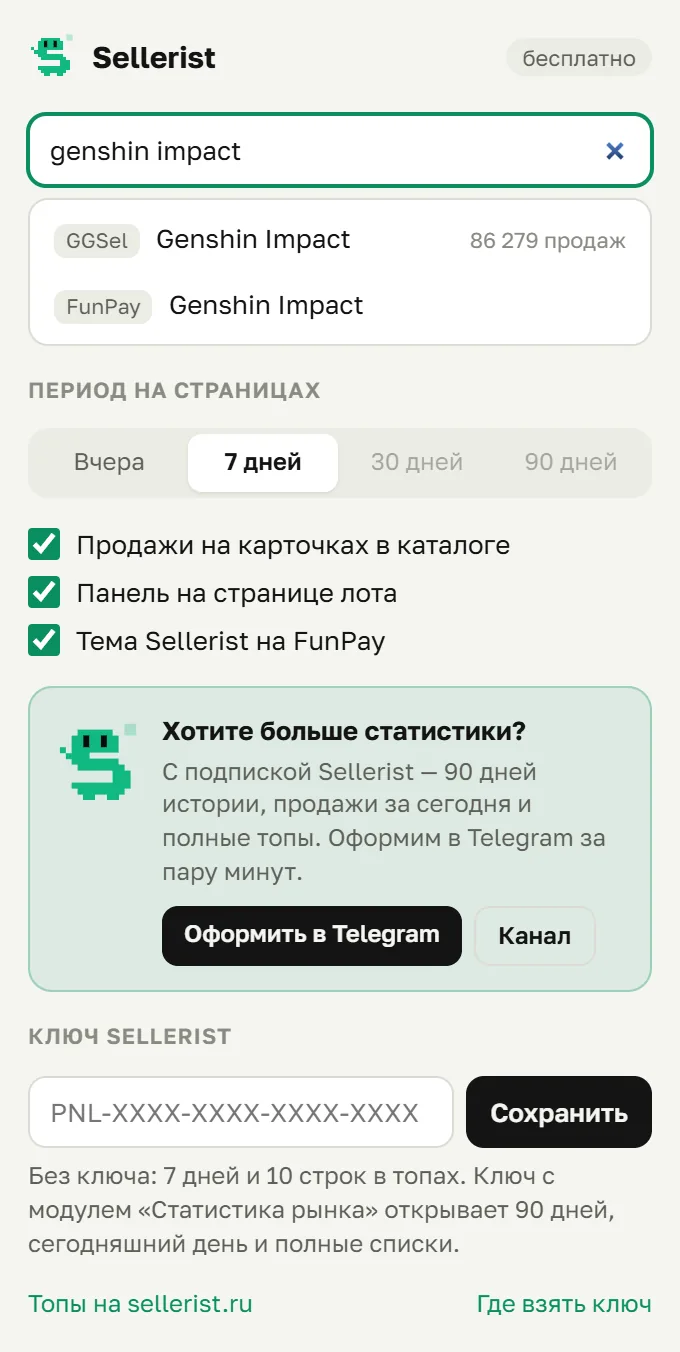
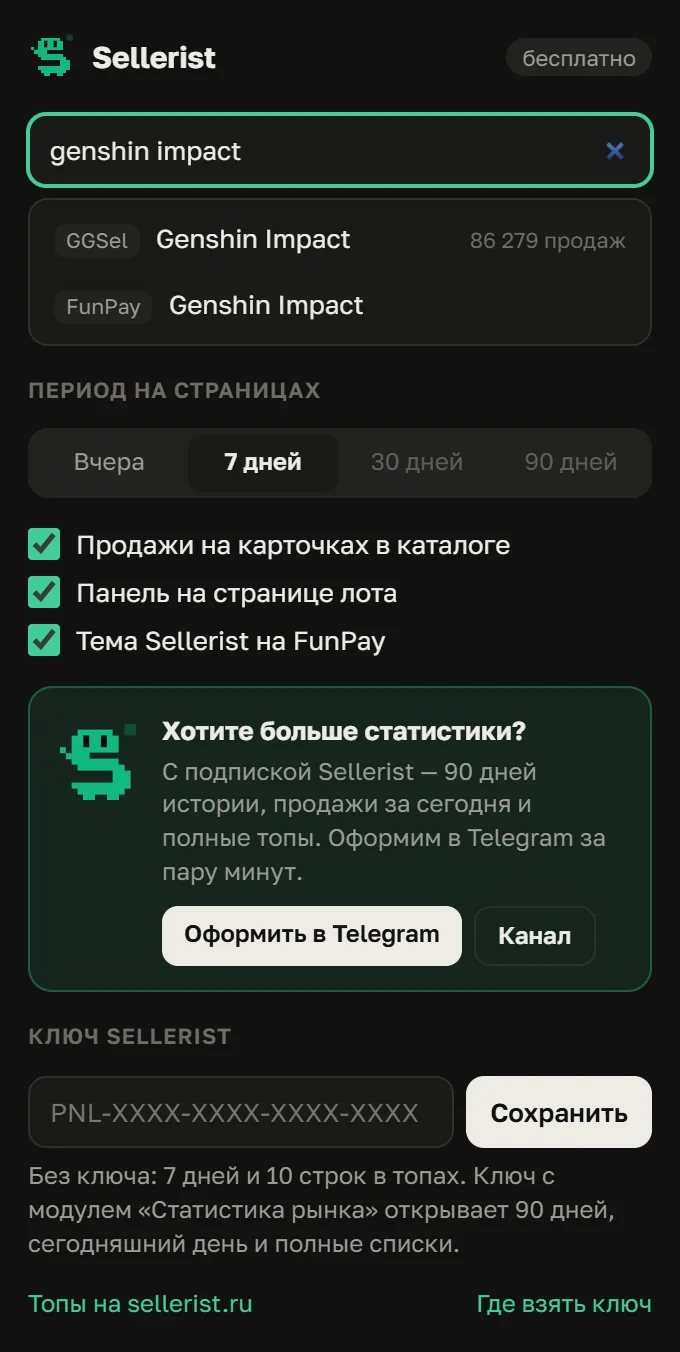
- Search by games, categories and sellers of GGSel, Plati and FunPay, with a jump to the detailed statistics.
- The period on the pages: yesterday, 7, 30 or 90 days. Without a key 7 days are available.
- Three switches: the catalog badges, the panel on a listing page, the “Sellerist theme” on FunPay.
- A field for the Sellerist key: with it you get 90 days of history and the full lists.
What it shows
- In the GGSel and Plati catalog: on every card, how many pieces were sold and for what sum yesterday or over 7 days. If there were no sales in the period, how many were sold in all.
- On a listing page: sales yesterday and over the period with the change against the previous stretch, a chart by day, the price now and at the start of the period, the listing's share of the category's sales and the category's median price, the seller and their rating. On Plati also the reviews, the refunds and paid advertising.
- On FunPay the marketplace does not show a listing's sales, so a listing page shows an estimate of the seller's sales and revenue from their reviews. Plus the “Sellerist theme”: quick catalog search, an order and a chat at the full width of the window, and to the right of the conversation a card of the other person, their orders from the dialog and quick replies.
- In the extension window: search by games, categories and sellers of all three marketplaces and a jump to the detailed statistics (in Russian).
How to install
- Open the Sellerist page in the Chrome Web Store and press “Add to Chrome”. The Chrome store also works in Yandex Browser, Edge and Opera.
- Pin the Sellerist icon next to the address bar so that it is at hand.
- Open any catalog on GGSel or Plati, and the sales appear on the cards.
Install without the store, from an archive
- Download the archive and unpack it into a folder you will not delete.
- Open
chrome://extensions(in Yandex Browser,browser://tune), switch on “Developer mode” and press “Load unpacked”. - Choose the unpacked folder. Such an installation has to be updated by hand.
Free and with a key
Free
- Sales for yesterday and 7 days
- Badges on the cards and the listing panel
- The top 10 categories, listings and sellers on the site
With a Sellerist key
- Periods up to 90 days and today
- Comparison with the previous period of the same length
- Full lists of up to 100 rows, page by page
- All the GGSel advertising bids (in Russian): places 1–10 and their history
The key comes with the “Extension and statistics” subscription for 299 ₽ a month, with no panel, or with any panel subscription. You enter it in the extension window and on the statistics page.
Where the figures come from
GGSel and Plati show on a listing page how many times it was bought. We read that counter every day: the day's growth is the day's sales. FunPay has no counter, so we estimate sales from reviews. More on the statistics page (in Russian).
What the extension does not do
- It does not send your accounts, conversations or orders anywhere. For the figures it takes only the listing numbers from the page and asks sellerist.ru for them. The orders from a dialog and the quick replies on FunPay are put together in the browser from what is already on the screen and go nowhere.
- It does not ask for access to all sites: it works only on GGSel, Plati and FunPay.
- The Sellerist key is kept in your browser and goes only to sellerist.ru.